Payments
Court booking payments software
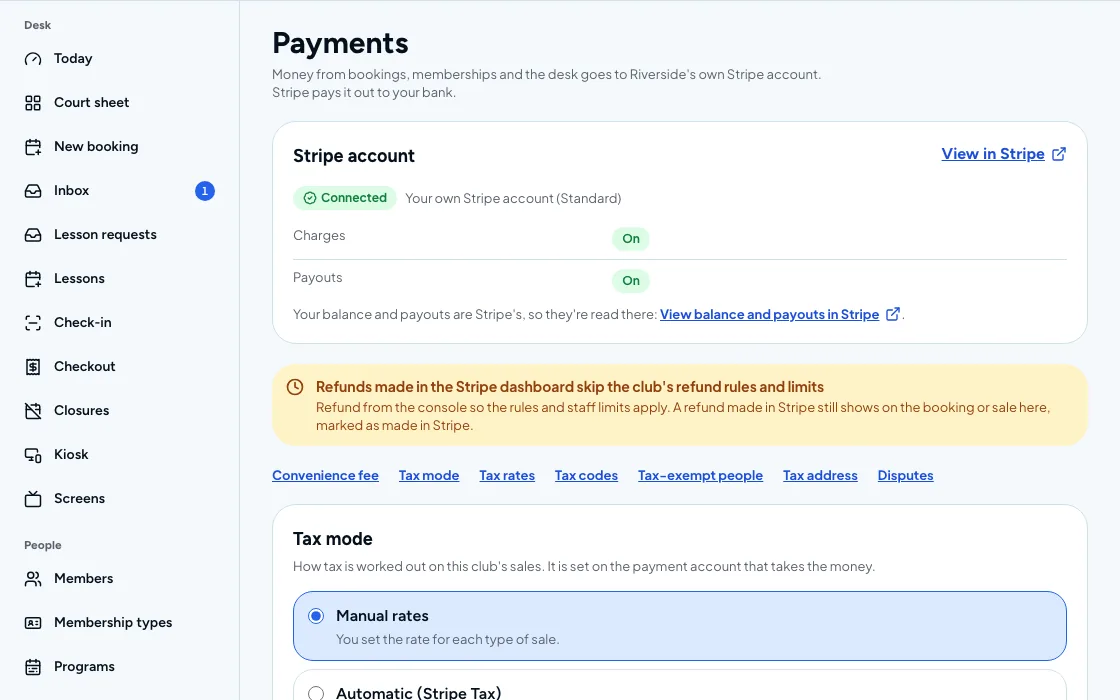
Card, wallet and bank payments for courts, memberships and events, paid out to your own Stripe account.
CourtPlay payments is included on every CourtPlay plan, from $149 per location per month, billed annually.
Sound familiar?
Paying means a trip to the desk
Players want to pay on a phone, not hand over cash at the counter.
Refunds that need a manager
A cancelled booking turns into a back-and-forth about who owes whom.
Payouts that do not match
The deposit in the bank never lines up with what the desk says it sold.
Sales tax worked out by hand
Someone checks each sale against a rate table, and a wrong rate surfaces at year end.
Take paymentEvery plan
Apple Pay, Google Pay, saved cards and bank debit
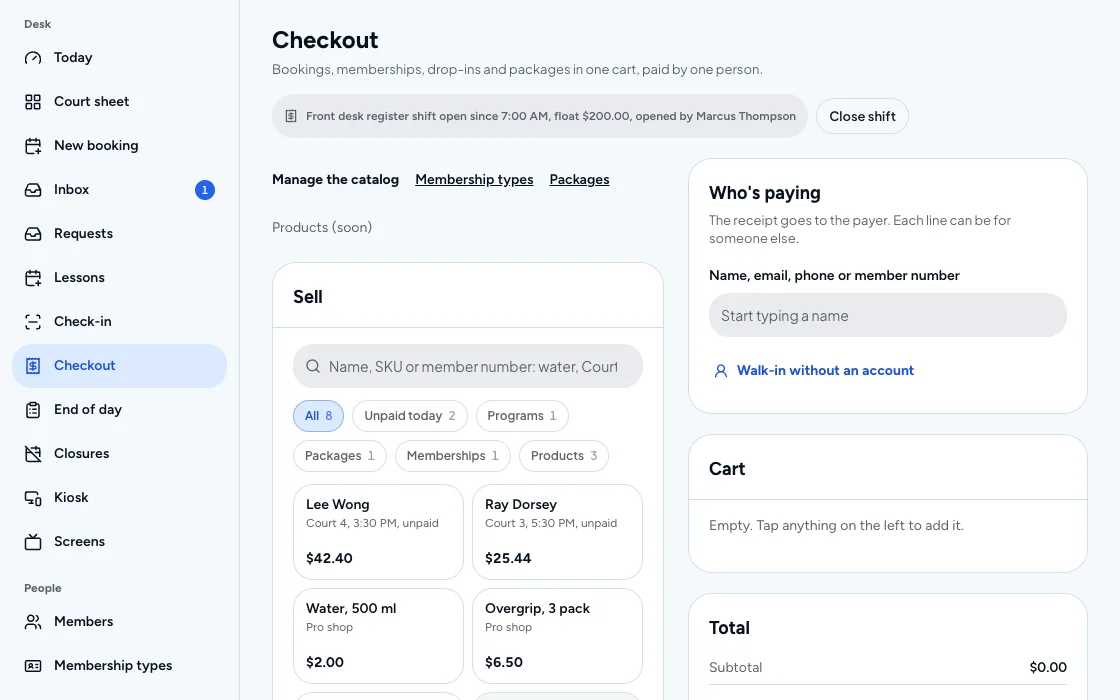
Players pay the way they already do, and you are paid out to your own Stripe account. Payment links reach walk-ins, and sales tax and convenience fees are set in one place.
- Card, wallet and bank payments
- Payment links for walk-ins
- Sales tax and convenience fees
Money backEvery plan
Refunds, credit and stored value
Refund a booking, or leave the money as account credit or stored value. Invoices and recurring charges sit beside them, and failed payments are retried.
- Refunds, account credit and stored value
- Invoices and recurring charges
- Failed-payment retries
Month endPro and up
Match payouts to your books
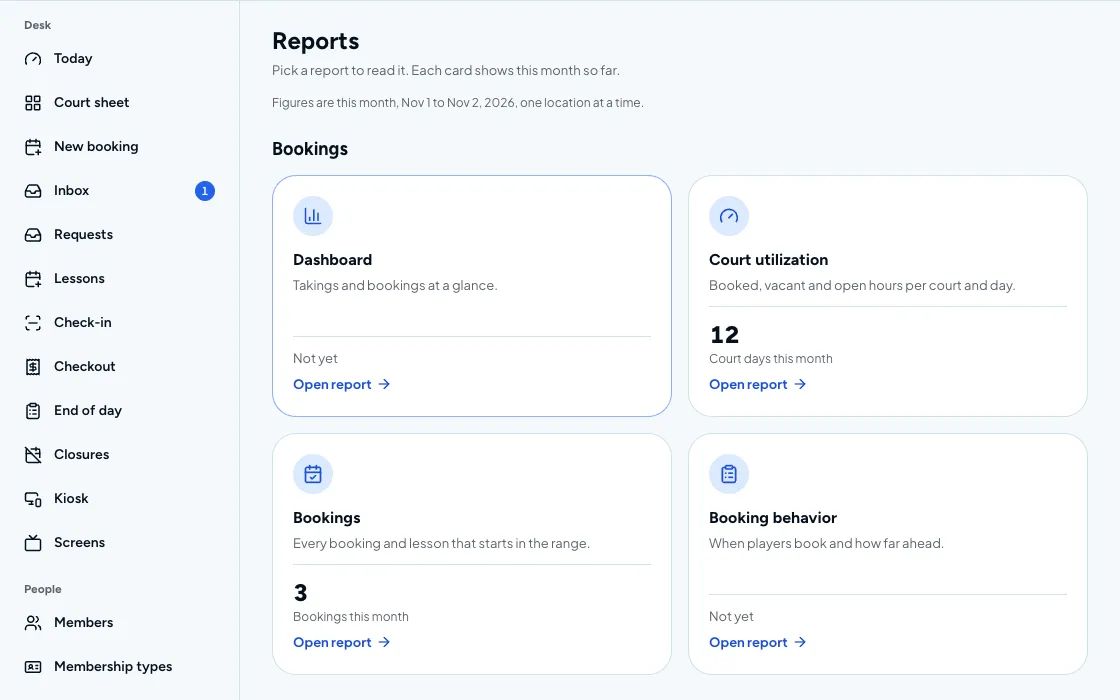
Payout reconciliation and month-end close are built in. Accounting sync with QuickBooks, Xero and Sage and gift cards start on Pro, and a house account lets a member put charges on a tab.
- Payout reconciliation and month-end close
- Accounting sync with QuickBooks, Xero and Sage
- House accounts
- Gift cards
How payments works
Set up your Stripe account
Payments are paid out to your own Stripe account.
Set tax and fees
Choose sales tax and any convenience fee for bookings and sales.
Players pay
Players pay by card, wallet or bank debit; walk-ins can pay from a link.
Reconcile and close
Match payouts to bookings and close the month.
CourtPlay facts
Last reviewed 2026-11-02
- Plan and price
CourtPlay payments is included on every CourtPlay plan, from $149 per location per month, billed annually. See pricing
- Availability
On CourtPlay, accounting sync with QuickBooks, Xero and Sage is available on Pro and up.
On CourtPlay, house accounts are available on Pro and up.
On CourtPlay, gift cards are available on Pro and up. See pricing
- Platform fee
Every CourtPlay plan has a 0% platform fee; Stripe's standard processing applies. See pricing
Payments questions
Does CourtPlay take a platform fee on payments?
Every CourtPlay plan has a 0% platform fee on bookings and sales, and Stripe's standard processing applies to card payments.
Where does the money go?
Payments are paid out to your own Stripe account. Payout reconciliation and a month-end close are built in, so the payouts you receive can be matched to the bookings behind them.
Which payment methods can players use?
Apple Pay, Google Pay, saved cards and bank debit. Walk-ins can pay from a payment link, so the front desk does not need to take card numbers.
Can I refund a booking or keep the money as credit?
Yes. Refunds, account credit and stored value are all supported, so you can return the money or leave it on the player's account for their next booking.
Does it work with my accounting software?
On Pro and Elite, accounting sync covers QuickBooks, Xero and Sage. Every plan has payout reconciliation and a month-end close, and you can export all your data at any time.
See it on your courts
Book a demo and we will walk through the setup for your venue.